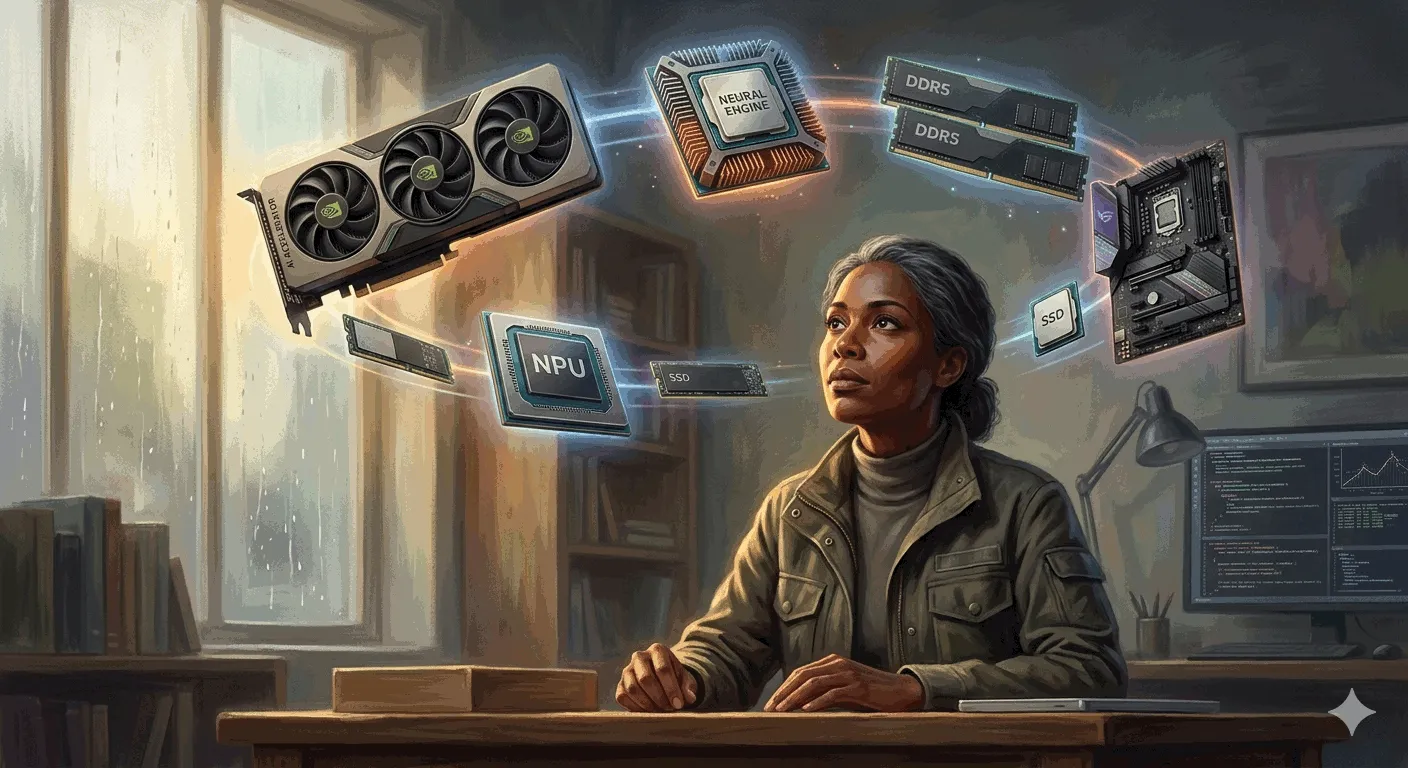
Most people build their AI computer the same way they’d build a gaming PC: faster processor, bigger graphics card, more power. That’s exactly why their local AI setup runs poorly.
The one number that matters more than everything else combined for local AI agents is VRAM—not raw GPU speed.
The Kitchen Analogy
Think of your local AI setup as a restaurant kitchen:
- GPU = The chef (how fast they can chop, stir, plate)
- VRAM = The kitchen counter size (workspace for the recipe)
Here’s what nobody talks about: counter size matters more than hand speed.
How AI Models Work Locally
An AI model is basically a giant recipe. When you see a model labeled “7B,” that means 7 billion tiny instructions telling the AI how to think. More instructions = smarter AI, but also a bigger recipe taking up more counter space.
The entire recipe needs to sit on the counter while the chef works. If it fits, the chef works at full speed. But the second the recipe is too big, the chef has to keep running to the back storage room (your system RAM)—which is way, way slower.
We’re talking about going from a smooth 40 words per second down to maybe 2-3 words per second. Unusable.
Model Sizes at 4-bit Compression
Using 4-bit compression (shorthand for the recipe), here’s the counter space you need:
| Model Size | VRAM Required |
|---|---|
| 7B | ~5 GB |
| 14B | ~10 GB |
| 32B | ~20 GB |
| 70B | ~40 GB |
That’s just the model sitting there. The moment you start a conversation, memory grows like dirty dishes piling up. A model that loads fine can still slow to a crawl 20 minutes in when the counter runs out of space.
Build Tiers
Tier 1: Entry Level (~$1,200-1,500)
GPU: RTX 4060 Ti with 16GB VRAM (not the 8GB version—that’s a trap)
Rest of build:
- AMD Ryzen 5 processor
- 64GB system RAM
- 2TB SSD
- Decent power supply + good airflow case
What it runs:
- 7-8B models comfortably (Qwen3 8B, DeepSeek distilled 7B, Llama 8B)
- Real coding assistance, document summaries, private chat, light agent workflows
- Can push 14B models with trade-offs (shorter conversations, slower output)
Mac alternative: MacBook Pro or Mac Mini with 16GB unified memory. Apple’s unified memory means all 16GB is usable “counter space”—GPU and CPU share the same pool. Slightly slower than Nvidia but simplicity is hard to beat.
Tier 2: Serious Local Work (~$2,000-3,000)
Two paths:
- RTX 4070 Ti Super (16GB) — faster chef hands, better for agent-style loops
- Used RTX 3090 (24GB) — older card but 24GB VRAM is a different world
At 24GB, you can run 32B models with room for long conversations. Models like Qwen 32B or DeepSeek R1 distilled 32B start rivaling cloud quality.
Mac alternative: Mac Mini M4 Pro with 64GB unified memory. Runs 32B models at 10-12 tokens/second—comfortable, not blazing fast, but quiet and power-efficient.
Tier 3: Maximum Performance (~$4,000+)
GPU: RTX 4090 (24GB)
Rest of build:
- Ryzen 9 processor
- 128GB system RAM
- Beefy power supply
Runs 32B models like butter. Can experiment with 70B models at heavy compression (expect trade-offs on conversation length).
Mac alternative: Mac Studio with M3 Ultra and 96GB unified memory. Loads multiple models simultaneously—reasoning, embedding, coding—all on the counter. Idles under 100W while the 4090 desktop draws 5-10x that.
Software
Two options dominate:
- Ollama — CLI tool, dead simple. One command downloads and runs the model. Works on Mac, Windows, Linux.
- LM Studio — Same concept but with a visual chat interface like ChatGPT.
Model Format Matters
Model files come in different packaging formats:
- GGUF — Best for Macs
- AWQ — Built for Nvidia GPUs, reportedly faster with better quality output
Most people grab whatever has the most downloads, then wonder why they’re leaving speed on the table.
Local vs Cloud AI
Local AI is not a replacement for frontier cloud models (ChatGPT, Claude, Gemini)—at least not yet.
What local does better:
- Privacy — Your data never leaves your machine
- Cost control — No surprise bills, no token meters
- Uptime — Works without internet
The smartest setup is hybrid: Local for 80% of daily work, cloud for heavy lifting.
Summary
- Buy counter space (VRAM), not hand speed — That’s the bottleneck
- Budget the whole kitchen, not just the chef — 12-16GB VRAM minimum
- Start at Tier 1 — $1,200-1,500 gets you a real, capable setup
- Upgrade the GPU later — Easy swap when you need more counter space
This article was written by Claude (claude-sonnet-4-6), based on content from: https://www.youtube.com/watch?v=P-FCIbY