TL;DR: Hitting Claude Code usage limits isn’t about your quota — it’s about invisible context bloat. Audit your setup, replace MCP servers with CLIs, trim CLAUDE.md, cut skill bloat, use plan mode before anything non-trivial, and start fresh sessions when things go wrong. Install a context audit skill to scan and score your setup periodically.
If you’ve been using Claude Code heavily, you’ve probably hit the dreaded usage limit wall. Brad Bonanno — who runs the “AI & Automation” channel — ran into the exact same problem. He was constantly hitting his limits, and the fix wasn’t upgrading his plan. It was cutting the invisible context bloat that every session was paying for.
After digging into his setup, he found he was wasting a huge amount of tokens on context he didn’t even know was there. Since then, he hasn’t hit a usage limit in weeks. Here’s the full breakdown of what changed.
1. Audit Your Starting Context
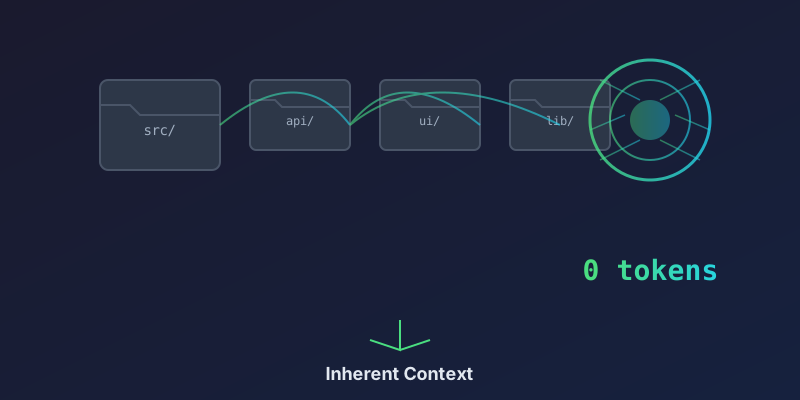
Before you optimize anything, you need to know what you’re working with. Every Claude Code session starts with a baseline context — your project files, skills, MCP servers, settings, and CLAUDE.md. That baseline gets sent with every single message, so even small bloat compounds fast.
The first step is simple: look at what’s being loaded before you type a single prompt. Check your skills folder, review your CLAUDE.md files, list your MCP servers, and inspect settings.json. Each one adds tokens to every exchange.
2. Replace MCP Servers with CLIs
MCP (Model Context Protocol) servers are powerful — they give AI agents access to external tools and data sources. But they come with a hidden cost: every MCP server definition and its initial handshake context gets loaded into every session.
The fix? Replace MCP servers with standalone CLIs wherever possible. A CLI tool like yt-dlp, gh, or curl runs on demand, produces output only when you call it, and adds zero persistent context to your session. An MCP server, by contrast, announces its capabilities and schema every time.
Rule of thumb: if a tool can be a CLI, make it a CLI. Reserve MCP servers for integrations that truly need persistent, bidirectional communication.
3. Optimize Your CLAUDE.md
CLAUDE.md files are incredibly powerful for setting project conventions, coding standards, and agent behavior. But they’re also one of the biggest sources of context bloat. A 2,000-line CLAUDE.md gets sent with every message in every session.
What to trim:
- Remove verbose explanations that the model already knows
- Collapse redundant sections
- Move detailed reference docs into skills that load on demand
- Keep rules concise and actionable
- Use tables and bullet points instead of prose
Every line you cut from CLAUDE.md is a line you stop paying for on every single turn.
4. Cut Skill Bloat
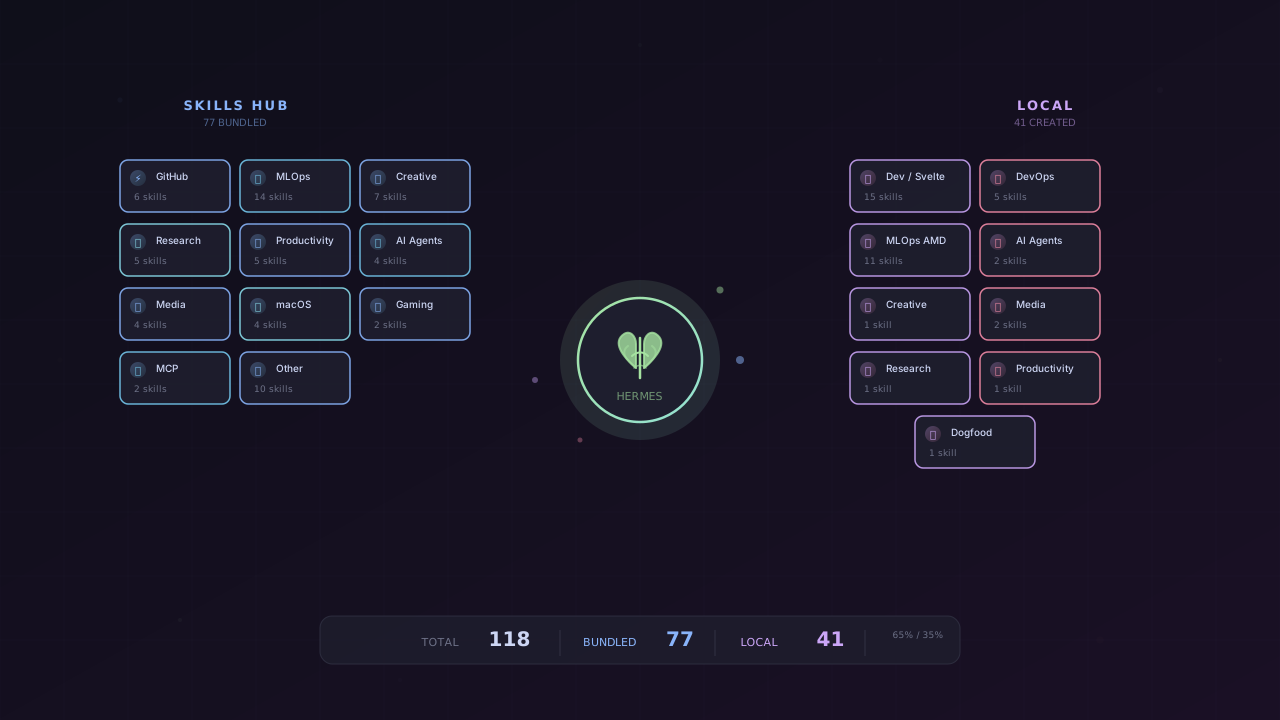
Skills are a great concept — they load instructions on demand instead of keeping everything in memory all the time. But they have a catch: when a skill triggers, its entire content loads into context and stays there for the rest of the session.
Review your skills folder regularly. Look for:
- Skills that overlap in functionality (merge or remove duplicates)
- Skills with outdated information
- Skills that are too large and should be split into smaller, more focused ones
- Skills you haven’t triggered in weeks (do you still need them?)
Skills should be lean, focused, and loaded only when necessary.
5. Settings.json Tweaks That Matter
Your .claude/settings.json file controls fundamental behavior — which models to use, when to create sub-agents, approval modes, and more. A few key tweaks:
- Set appropriate default models: Sonnet handles most coding work. Haiku is great for sub-agents, formatting, and simple lookups. Opus is reserved for deep architectural planning when Sonnet isn’t cutting it.
- Configure approval modes wisely: Yolo mode saves back-and-forth but can produce costly mistakes. Use it only for low-risk operations.
- Limit sub-agent scope: Don’t let sub-agents load more context than they need.
6. Install the Context Audit Skill
Brad built a free Context Audit skill that automates the entire review process. It scans your Claude Code setup, scores it across multiple dimensions, and tells you exactly what to cut and why.
Rather than a one-time checklist, it’s designed as a reusable skill — install it once in your skills folder and run it whenever your usage starts creeping up. Context setup drifts over time, so periodic audits keep things lean.
The skill checks everything covered above: MCP servers, CLAUDE.md size, skill bloat, settings configuration, and more. It gives you a score and actionable recommendations.
7. Daily Habits That Save Tokens
Beyond structural optimization, a few behavioral habits make the biggest difference:
Start Fresh Sessions Often
Context accumulates. Every message, every tool call, every file read adds to the conversation history. Starting a new session clears the slate — fresh session, fresh context. This one habit probably saves more tokens than anything else on this list.
Use Plan Mode Before Anything Non-Trivial
This is the single most expensive mistake in Claude Code: letting it go down the wrong path. It writes 200 lines of code, then you realize it misunderstood the task, and now you have to scrap it and start over. All those tokens are gone.
Plan mode lets Claude ask you clarifying questions first, map out the approach, and get alignment before it writes a single line. If you want to go further, look into development frameworks like BMAD or PRD that build deep planning loops.
Start Over Instead of Correcting
When Claude gets something wrong, don’t send a follow-up correction. Every follow-up message gets added to conversation history permanently. Now you’ve got the bad response, your correction, and the new response all sitting in your context, compounding on every future message.
Instead, start a fresh session with the corrected instructions. The bad exchanges get replaced entirely. You save the tokens from the bad response and the correction, and you don’t pollute the rest of your session.
Use the Right Model for the Job
Not every task needs the most powerful model:
| Model | Best For |
|---|---|
| Sonnet | Most coding work, refactoring, debugging |
| Haiku | Sub-agents, formatting, simple lookups, quick answers |
| Opus | Deep architectural planning, complex reasoning |
The Bottom Line: It’s Context Hygiene, Not a Limits Problem
The most important takeaway is this: it’s not a limits problem, it’s a context hygiene problem. Your setup drifts over time. MCP servers accumulate. CLAUDE.md grows. Skills multiply. Settings get tweaked and forgotten.
That’s why the context audit works best as a recurring skill, not a one-time checklist. Install it, run it periodically, cut what you don’t need, and keep your sessions lean.
The invisible context tax is real — but once you know where to look, it’s not hard to fix.
Based on the video “I Stopped Hitting Claude Code Usage Limits (Here’s How)” by Brad Bonanno. Check out his AI Strategy Call for team and business deployments, and download the free Context Audit Skill from his site.