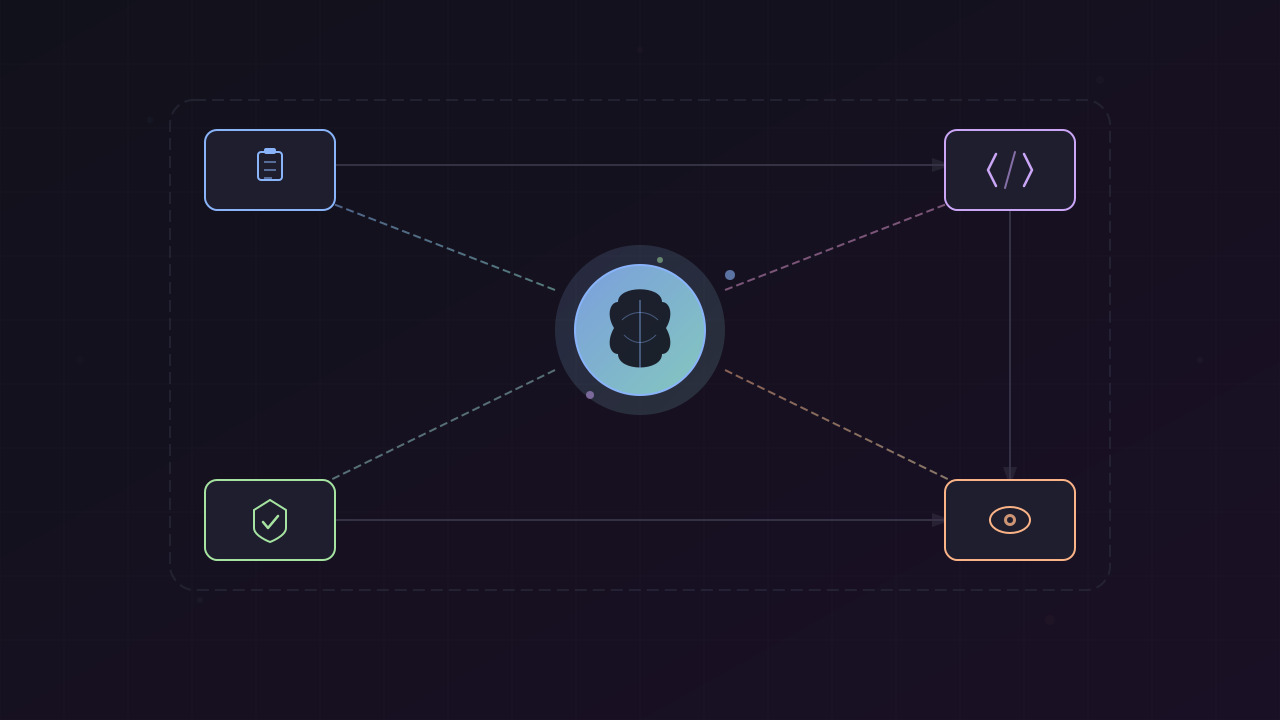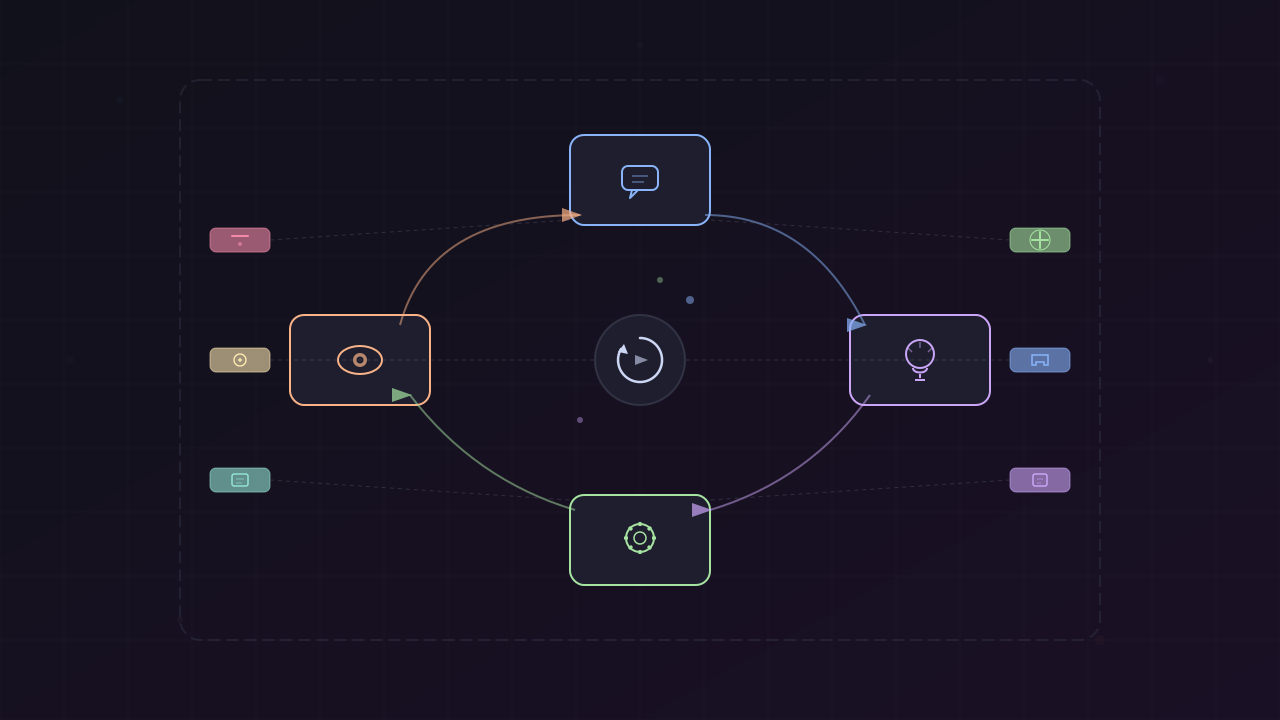
TL;DR: Pi provides a minimal, predictable coding agent. Archon enforces deterministic workflows. Plannotator adds structured human approval gates. Together, they form a powerful stack for building reliable AI development workflows without Claude Code bloat.
The Problem with Claude Code Bloat
Claude Code started as a minimal, predictable CLI fighting against “slop” of bloated IDE tools. Anthropic didn’t stop shipping. System prompts change every release. Features accumulate. Bugs appear. Your context isn’t really yours anymore.
When the underlying prompting harness is constantly changing and you can’t modify it, you’re at the mercy of each release. Your workflows break mysteriously, and you won’t know why.
Enter Pi: The Minimal Coding Agent
Pi is Mario Zechner’s answer to this problem. The philosophy is brutally simple:
- Build a minimal foundational core — small, opinionated, and unbloated
- Make everything else an extension — if you want it, build it or install it
- Let the agent modify itself — ask Pi to add features, and it builds them into itself
Pi ships with just four tools by default: read, write, edit, and bash. That’s it. No MCP. No sub-agents. No plan mode. None of these are built in — but all can be added through the extension ecosystem.
Why This Matters
When features are optional extensions rather than built-in bloat:
- The core remains stable and predictable
- You control exactly what your agent can do
- System prompt changes are under your control
- You can replicate any Claude Code feature without the bloat
Installation
Pi installs in a single command:
npm install -g @mariozechner/pi-coding-agentAuthenticate and start:
export ANTHROPIC_API_KEY=sk-ant-...piOr use your existing subscription with the /login command.
Archon: The Harness Builder
If Pi is the minimal coding agent, Archon is the orchestrator that makes it deterministic. Archon lets you encode your entire development process as a YAML workflow and execute it reliably across all your projects.
Think of it as:
- Dockerfiles for infrastructure
- GitHub Actions for CI/CD
- Archon for AI coding workflows
What Archon Solves
When you ask an AI agent to “fix this bug,” the outcome depends on the model’s mood:
- Maybe it skips planning
- Maybe it forgets to run tests
- Maybe it writes a PR description that ignores your template
Archon fixes this by enforcing structure:
nodes: - id: plan prompt: "Explore the codebase and create an implementation plan"
- id: implement depends_on: [plan] loop: prompt: "Read the plan. Implement the next task. Run validation." until: ALL_TASKS_COMPLETE
- id: run-tests depends_on: [implement] bash: "bun run validate"
- id: review depends_on: [run-tests] prompt: "Review all changes against the plan."
- id: create-pr depends_on: [review] prompt: "Push changes and create a pull request"Key Capabilities
- Repeatable: Same workflow, same sequence, every time
- Isolated: Every workflow run gets its own git worktree — parallel execution without conflicts
- Fire and forget: Kick off a workflow, come back to a finished PR
- Composable: Mix deterministic nodes (bash, git ops) with AI nodes (planning, generation)
- Portable: Define workflows in
.archon/workflows/, commit to repo, share with team
Multi-Agent Support
Archon now supports three coding agents out of the box:
- Claude Code
- OpenAI Codex
- Pi — the third supported agent, recently added
The combination of Pi + Archon is powerful. Pi provides the minimal, predictable agent. Archon provides the deterministic workflow structure.
Plannotator: Plan-Gating with Human Review
While Archon handles orchestration and Pi handles execution, Plannotator adds a critical missing piece: structured plan review with human approval gates.
Plannotator is a Pi extension that:
- Receives plans from Pi sessions
- Presents them in an HTTP-based review UI at
127.0.0.1:19432 - Blocks implementation until approval
- Allows denial with feedback for iteration
Installation
pi install npm:@plannotator/pi-extensionConfigure in .archon/config.yaml:
assistants: pi: extensionFlags: plan: true env: PLANNOTATOR_REMOTE: "1" # binds plannotator on 127.0.0.1:19432Putting It All Together: The Plannotator-PIV Workflow
Cole Medin created a reference workflow called archon-plannotator-piv.yaml that demonstrates the full integration. This is a four-phase flow:
Phase 1: Clarify (Archon + Claude)
Claude asks 2-3 targeted questions via Archon’s human-in-the-loop (HITL) system to converge on intent before handing off to Pi.
- id: clarify loop: prompt: | Get enough clarity that the Pi agent can produce a useful plan. Ask about DECISIONS (scope, extend vs new, testing bar), not information. until: READY_FOR_PLAN max_iterations: 6 interactive: trueOutput: A clear understanding of scope, key decisions, files likely to change.
Phase 2: Plan (Pi + Plannotator)
A Pi session writes PLAN.md and submits it to Plannotator for review. The reviewer receives a URL (127.0.0.1:19432) and approves or denies with feedback. If denied, Pi iterates on the plan inside its session.
- id: plannotator-plan depends_on: [clarify] provider: pi model: openai-codex/gpt-5.4-mini idle_timeout: 3600000 # 1 hour for human review prompt: | You are a PLANNER, not an implementer: 1. Write PLAN.md (only file you may edit) 2. Submit via plannotator_submit_plan 3. Iterate if denied 4. On approval: print one line and exit
DO NOT start implementing after approval — Claude handles that.PLAN.md structure:
# Plan: {feature name}
## Summary{1-2 sentences — what and why}
## In Scope- {bullet}## Out of Scope- {bullet}
## Architecture Decisions- {decision — rationale}
## Tasks- [ ] Task 1: {ACTION} `{path}` — {what and why}- [ ] Task 2: {ACTION} `{path}` — {what and why}- [ ] Task N: {ACTION} `{path}` — {what and why}
## Validation- {command(s) that prove feature works}- {lint / type-check / test commands}
## Risks- {risk} — {mitigation}Critical constraint: Pi is explicitly forbidden from implementing. It writes the plan, submits it, and hands off. The plannotator extension may say “full tool access is now unlocked,” but Pi ignores it — those tools are for the next node.
Phase 3: Implement (Claude)
Claude reads the approved PLAN.md and implements task-by-task with validation and commits. This uses Archon’s loop feature to iterate through tasks.
- id: implement depends_on: [verify-plan] idle_timeout: 600000 loop: prompt: | Fresh session each iteration. Read PLAN.md, implement ONE task, validate, commit, exit. Golden Rule: never commit broken code. until: IMPL_DONE max_iterations: 20 fresh_context: trueEach implementation iteration:
- Selects the next unchecked task from
PLAN.md - Reads relevant files
- Makes changes following conventions
- Runs validation:
bun run type-check && bun run lint && bun run test - Commits if validation passes (or fixes up to 3 attempts)
- Marks task complete in
PLAN.md - Signals completion when all tasks done
Phase 4: Validate (Claude)
Final review comparing plan vs. reality, full validation suite, and status report.
- id: final-review depends_on: [implement] prompt: | Gather context: - Run full validation: bun run validate - Check git log and diff - Read PLAN.md and progress file
Cross-check plan vs reality: - Is each task checked? - Does a commit exist for it? - Do changed files match task descriptions?
Output summary with readiness recommendation.Output:
===============================================================PLANNOTATOR-PIV — SUMMARY===============================================================
Feature: {from PLAN.md}Branch: {current branch}
-- Tasks --{tasks from PLAN.md with status}
-- Commits --{git log}
-- Validation --type-check: PASS/FAILlint: PASS/FAILtests: PASS/FAILformat: PASS/FAIL
-- Recommendation --{READY FOR PR / NEEDS FIXES — with specifics}===============================================================The Power of This Architecture
Determinism
Every run follows the same structure:
- Clarify → questions resolved
- Plan → human-approved specification
- Implement → task-by-task execution
- Validate → comprehensive verification
No more “model’s mood” variations. No skipped tests. No forgotten validation.
Separation of Concerns
| Phase | Agent | Responsibility |
|---|---|---|
| Clarify | Claude (Archon HITL) | Converge on intent |
| Plan | Pi + Plannotator | Create spec, human approval |
| Implement | Claude (Archon loop) | Execute tasks |
| Validate | Claude | Verify completeness |
Each agent does what it’s best at. Pi focuses on planning with minimal tooling. Claude handles implementation with full tool access. Plannotator provides the human gate.
Iteration Without Breaking Flow
- Plan iteration: Happens in Pi session before approval. The loop is contained — Plan.md updates, resubmits, blocks again.
- Implementation iteration: Happens per-task in Claude. If validation fails, fix before committing.
- No cross-boundity: Planning doesn’t bleed into implementation. Implementation doesn’t skip back to planning.
Setting Up Your Own Plannotator Workflow
Step 1: Install Prerequisites
# Pinpm install -g @mariozechner/pi-coding-agent
# Plannotator extensionpi install npm:@plannotator/pi-extension
# Archon (if not already installed)git clone https://github.com/coleam00/Archoncd Archonbun installStep 2: Configure Plannotator
Create or edit .archon/config.yaml:
assistants: pi: extensionFlags: plan: true env: PLANNOTATOR_REMOTE: "1"Step 3: Copy the Reference Workflow
Copy archon-plannotator-piv.yaml from the Archon repo or GitHubIssueTriager example into your project’s .archon/workflows/ directory.
Step 4: Run the Workflow
From your project directory:
claudeThen invoke:
Use archon to run archon-plannotator-piv workflow to implement: {your feature description}Archon will:
- Start the clarify phase (Claude asks questions)
- Hand off to Pi for planning
- Pi writes PLAN.md and submits to plannotator
- You’ll see a URL:
[pi extension ℹ️] Review your plan at http://127.0.0.1:19432 - Open the URL, review, approve or deny with feedback
- If denied, Pi updates the plan and re-submits
- If approved, Claude implements task-by-task
- Final validation and summary
Why This Beats Raw Claude Code
1. Predictable System Prompt
Claude Code’s system prompt changes with every release. Your workflow works today, breaks tomorrow.
Pi’s system prompt is under your control. Extensions add functionality by modifying prompts explicitly. You can read the code, understand what’s happening, and adjust.
2. No Unwanted Features
Claude Code ships features you don’t want — sub-agents, MCP, plan mode — adding to token cost and unpredictability.
Pi ships with four tools. Add what you need, nothing more.
3. Explicit Human Gates
Claude Code’s interactive mode is conversational. “Ask me before” is a request, not a gate.
Archon’s interactive: true + Plannotator’s approval UI are hard gates. Workflow literally blocks until you approve. No accidental work proceeds.
4. Isolated Executions
Claude Code sessions live in your working directory. Parallel work means branch switching or conflict management.
Archon creates git worktrees for each workflow run. Execute 5 fixes in parallel with zero conflicts.
5. Observable and Auditable
Claude Code sessions are ephemeral unless you export manually.
Archon logs every step, node transition, tool call, and human interaction. The dashboard shows running workflows, history by project/status/date, and step-by-step progress.
Extending Beyond the Reference Workflow
The archon-plannotator-piv.yaml workflow is a template. Consider variations:
Multi-Agent Implementation
- id: implement-feature provider: claude model: sonnet
- id: implement-tests provider: pi model: openai-codex/gpt-5.4-mini
- id: implement-docs provider: claude model: haikuUse Claude for complex feature logic, Pi for test generation (cost-effective), and Haiku for documentation.
Parallel Review
- id: review-code depends_on: [implement] parallel: - provider: claude model: sonnet prompt: "Review for correctness and security" - provider: claude model: opus prompt: "Review for architecture and performance" - provider: pi model: openai-codex/gpt-5.4 prompt: "Review for edge cases and errors"Three simultaneous reviewers, each with different focus. Synthesize findings.
Conditional Gates
- id: security-review depends_on: [implement] condition: | Files changed include: auth, session, token, password, credential prompt: "Security review required for auth-related changes" interactive: trueOnly require security review when touching sensitive files.
The Philosophy: Minimal Core, Maximum Control
The Pi + Archon + Plannotator stack embodies a philosophy:
- Minimal core: Pi provides just enough to be useful
- Deterministic structure: Archon enforces repeatable workflows
- Explicit control: You approve plans, you gate phases
- Extensible ecosystem: Add features via extensions, not bloat
- Multi-agent orchestration: Use the right agent for each task
This is the future of AI coding — not one monolithic tool that does everything poorly, but a composable stack where each piece does one thing well.
References
- Pi Coding Agent + Archon: Build ANY AI Coding Workflow (No Claude Code Bloat) — Cole Medin, YouTube (April 2026) — https://www.youtube.com/watch?v=XSmI7OYd7iM
- Archon GitHub Repository — coleam00/Archon (2026) — https://github.com/coleam00/Archon
- Pi Coding Agent GitHub Repository — badlogic/pi-mono (2026) — https://github.com/badlogic/pi-mono/tree/main/packages/coding-agent
- Plannotator Pi Extension — npm (2026) — https://www.npmjs.com/package/@plannotator/pi-extension
- GitHubIssueTriager - Plannotator Workflow Example — coleam00/GitHubIssueTriager (2026) — https://github.com/coleam00/GitHubIssueTriager/blob/main/.archon/workflows/archon-plannotator-piv.yaml
- Building Pi in a World of Slop — Mario Zechner, AI Engineer Conference (2025) — https://www.youtube.com/watch?v=RjfbvDXpFls
- Archon Documentation — https://archon.diy
This article was written by pi (GLM-4.7 | Z.AI Coding Plan), based on content from: https://www.youtube.com/watch?v=XSmI7OYd7iM