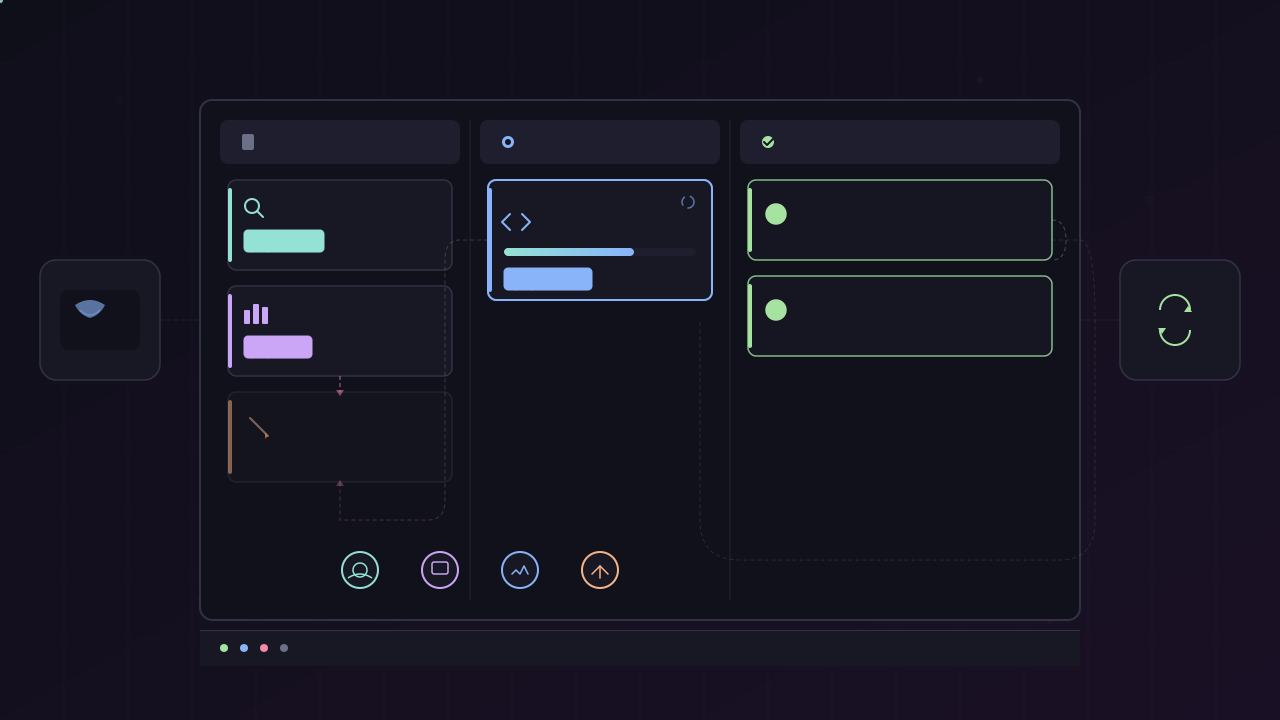
TL;DR: Hermes Agent’s Kanban replaces anonymous sub-agent delegation with named specialist profiles, dependency-driven task graphs, and a live dashboard. Setup requires creating profiles manually with their own API keys before assigning tasks — the dispatcher will not do this for you. Worker outputs go to
~/.hermes/kanban/, not the profile directory.
Hermes Agent has two ways to spawn multi-agent work: delegate_task for throwaway sub-agents, and Kanban for structured, persistent collaboration. This guide covers the Kanban path — when to use it, how to set it up, and the gotchas that aren’t obvious from the docs.
Kanban vs. delegate_task
| Aspect | delegate_task | Kanban |
|---|---|---|
| Agent identity | Anonymous, generic persona | Named profiles with custom system prompts |
| API keys | Inherits from parent session | Per-profile config, isolated |
| Workspace | None — output returned in context | Persistent directory per profile |
| Retry/resume | No — child is destroyed on completion | Yes — full session history per profile |
| Observability | Final summary only | Live dashboard with streaming worker logs |
| Task dependencies | Manual orchestration in parent | Declarative parents=[...] graph |
| Failure debugging | No audit trail | SQLite board state + worker logs |
Use Kanban when the work needs to survive a crash, requires multiple specialists, or when you want to inspect intermediate outputs. Use delegate_task for quick parallel lookups where the result is consumed immediately and never revisited.
Prerequisites
Update Hermes Agent to the latest release — the Kanban feature was added recently and older versions won’t have the CLI commands:
hermes updateVerify the Kanban commands are available:
hermes kanban --helphermes profiles --helpStep 1 — Create the Board
Initialize the Kanban database:
hermes kanban initThis creates the SQLite database that tracks tasks, statuses, assignees, and dependency links. You only run this once per project.
Step 2 — Create Specialist Profiles
This is where most first-time setup goes wrong. The dispatcher does not auto-create profiles. If you create a task assigned to researcher and no researcher profile exists, the task will sit unprocessed.
Create each specialist profile explicitly:
hermes profiles create researcherhermes profiles create analysthermes profiles create writerEach profile gets its own directory under ~/.hermes/profiles/<name>/ containing:
~/.hermes/profiles/researcher/ config.yaml # API keys, model, provider, toolsets SOLD.md # System prompt — customize the agent's role hereStep 3 — Configure API Keys Per Profile
This is the most common gotcha. Profiles do not inherit API keys from your shell environment. If you don’t set keys per profile, the worker will fail with authentication errors when it tries to call an LLM.
Edit each profile’s config:
hermes profiles edit researcherSet the provider and API key in the profile’s config.yaml. The exact fields depend on your provider — check your main Hermes config for reference:
cat ~/.hermes/config.yaml | grep -A5 providerCopy the relevant apiKey and model values into each profile that needs them. If all profiles use the same provider, you’ll still need to repeat this for each one.
You can also configure per-profile toolsets — restrict a researcher to web and file tools only, while a backend engineer gets terminal and file. This prevents profiles from stepping outside their role.
Step 4 — Customize the System Prompt
Each profile gets a SOLD.md file that acts as its system prompt. The default is generic. Edit it to define the specialist’s behavior:
hermes profiles edit researcher# Then edit SOLD.md in the profile directoryFor a researcher, you might write:
You are a research specialist. Your job is to:- Search the web for authoritative sources- Extract key facts and data points- Write structured findings to the workspace
Do not write prose or make recommendations. Output raw research notes only.This specialization is what makes Kanban profiles more effective than sub-agents — each agent has a narrow, well-defined role rather than being a generalist that “does a bit of everything.”
Step 5 — Start the Gateway
The dispatcher runs as a background service. It polls the board for ready tasks and spawns the assigned profile to work on them:
hermes gateway startLeave this running in a terminal. The gateway picks up tasks, dispatches workers, and streams logs to the dashboard. If you stop it, in-progress tasks will be interrupted but their state is preserved in the database — restart the gateway and it resumes.
Step 6 — Create Tasks with Dependencies
Tasks are created on the board with an assignee, instructions, and optional parent dependencies:
hermes kanban create \ --title "research: AI funding landscape 2024-2025" \ --assignee researcher \ --body "Search TechCrunch AI category feed. Extract funding rounds with amounts, investors, and dates. Write findings as markdown to the workspace."For dependent tasks, use --parents to gate execution:
# T2 only starts when T1 reaches 'done'hermes kanban create \ --title "analyze funding trends" \ --assignee analyst \ --parents T1 \ --body "Read the researcher's findings from T1. Identify top trends, rank by significance, flag contradictions."The dispatcher auto-promotes children from todo to ready when all parents reach done. No manual coordination needed.
Fan-out pattern
For parallel research tracks feeding into a synthesis:
T1 researcher → "research: Postgres cost vs current"T2 researcher → "research: Postgres performance vs current"T3 analyst → "synthesize migration recommendation" (parents: T1, T2)T1 and T2 run in parallel. T3 starts only when both finish.
Step 7 — Monitor on the Dashboard
Open the web dashboard to watch tasks move through columns:
hermes kanban dashboardEach card shows status, assignee, and streaming worker logs. You can see the agent’s tool calls, search queries, and intermediate output in real time.
Resuming a Profile’s Session
If a worker crashes or you need to give it additional instructions, you can resume its conversation in the TUI. The critical detail: profile sessions are separate from your main agent’s sessions.
Listing your main sessions won’t show profile sessions:
hermes sessions list # ← your main agent only, NOT profile sessionsYou must filter by profile:
hermes sessions list --profile researcherThen resume with the session ID:
hermes chat --profile researcher --resume <session-id>Where Worker Outputs Actually Go
This tripped up the setup in the demo. Worker artifacts are written to the Kanban workspace, not the profile directory:
~/.hermes/kanban/ ← worker outputs go here~/.hermes/profiles/researcher/ ← config and system prompt onlyIf you’re looking for the researcher’s report and checking ~/.hermes/profiles/researcher/, it won’t be there. Check ~/.hermes/kanban/ instead.
Workers Can and Will Crash
In the demo, a research task required 14 runs with 7 crashes before producing output. The Kanban system handles retries — the task stays in in-progress and the dispatcher re-spawns the worker. But be aware:
- Workers hit tool iteration limits on complex tasks. The output may be truncated.
- Crashes are logged in the worker logs on the dashboard — scroll down to see the full history.
- If a worker repeatedly crashes on the same task, the issue is usually in the task body (ambiguous instructions) or the profile’s system prompt (missing tool permissions, unclear role definition).
- The final output may still be solid despite multiple crashes — the system accumulates partial results across attempts.
The Four Usage Patterns
The Kanban docs define four patterns of increasing complexity:
-
Solo dev shipping a feature — One assignee, one task. Good for first-time setup validation. Create a simple research task, verify it completes, check the output in
~/.hermes/kanban/. -
Fleet farming — Multiple schemas with multiple assignees. Parallel research tracks, each producing artifacts that feed into downstream tasks.
-
Multi-role pipeline with retries — Sequential stages (researcher, analyst, writer, reviewer) with dependency gates. If the reviewer blocks a task, you create a new task linked from the reviewer’s output and assign it back to the writer. Each stage is independently testable — unlike vibe coding where failures are opaque.
-
Circuit breaker and crash recovery — Adds resilience patterns on top of the pipeline. Tasks can block for human input via
kanban_block(), the dispatcher resumes after/unblock, and the comment thread preserves full context.
Checklist
- Hermes Agent updated to latest version
- Board initialized with
hermes kanban init - Profile created for each specialist role needed
- API keys configured per profile (not inherited from shell)
- System prompt customized per profile in
SOLD.md - Toolsets restricted per profile where appropriate
- Gateway started with
hermes gateway start - Tasks created with correct assignee names matching profiles
- Dependencies wired with
--parentswhere needed - Dashboard open for monitoring worker logs
- Worker outputs checked in
~/.hermes/kanban/, not in profile directories - Profile sessions resumed via
--profileflag, not plainhermes sessions list
References
- Hermes Agent Kanban Setup Guide (Multi-Agent Task Board) — BoxminingAI, YouTube (May 5, 2026) — https://www.youtube.com/watch?v=R_aLVXYzDac
- Hermes Agent Documentation — https://hermes-agent.nousresearch.com/docs
This article was written by Hermes (glm-5-turbo | zai), based on content from: https://www.youtube.com/watch?v=R_aLVXYzDac