Introduction
After months of development, Cole Medin has unveiled the new Archon — a massive overhaul of his AI command center, now reimagined as the first open-source harness builder for AI coding. The old Archon was a tool built into coding agents for RAG and task management. It became irrelevant because coding agents like Claude Code built those features themselves. The new Archon takes a completely different approach: it sits above coding agents and orchestrates them.
The Evolution: From Prompt Engineering to Harness Engineering
The AI development landscape has evolved through three distinct phases:
-
Prompt Engineering (2022-2024): Focused on crafting the perfect prompt to get the best single output from an LLM.
-
Context Engineering: Centered on curating the perfect context for a single agent so it can handle larger sets of work — giving it all the context it needs and nothing more.
-
Harness Engineering (Now): We’re now stringing multiple coding agent sessions together through a harness to handle much larger sets of work. This is where the real power lies.
Before harnesses, developers dealt with what Cole calls “AI shepherding” — running different skills and commands, remembering what comes next, manually kicking off code review after implementation. Archon solves this by letting you encode your entire development process as a workflow: define once, run forever, reusable across projects.
What is a Harness?
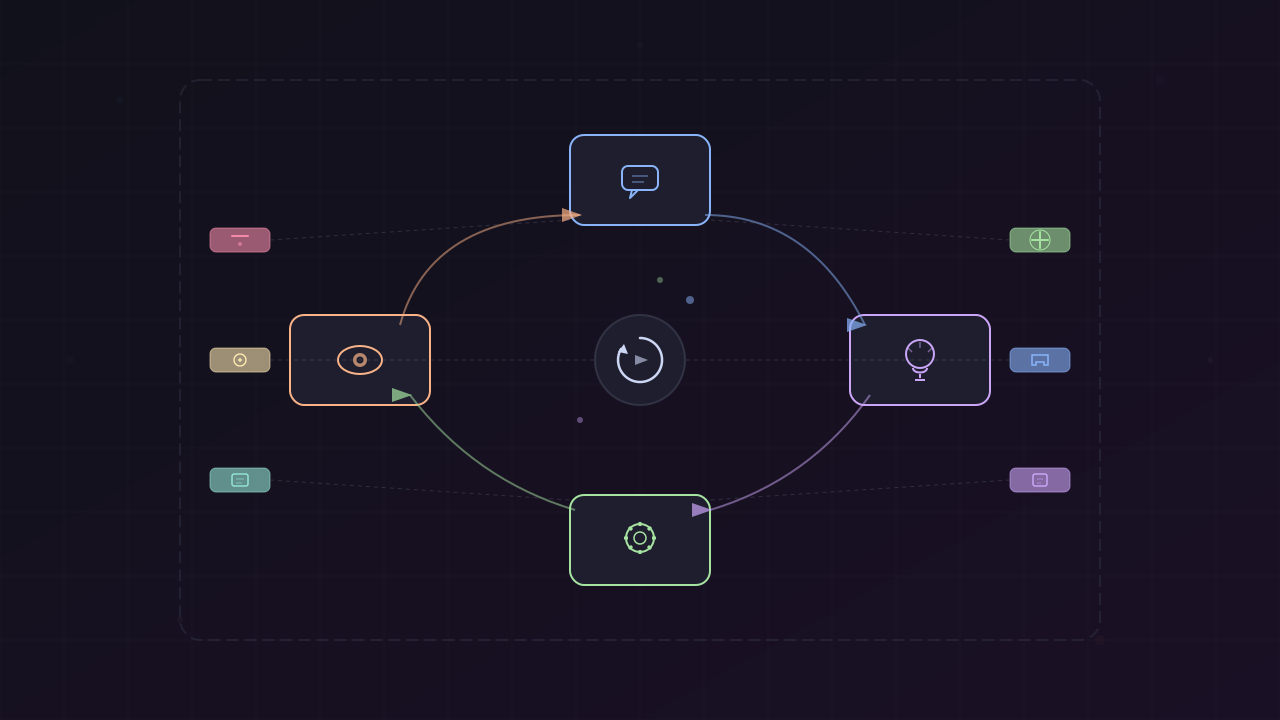
A harness is the infrastructure that wraps around coding agents (like Claude Code, Codex, or Goose) to:
- Orchestrate sessions — Chain multiple agent sessions together
- Enforce deterministic steps — Ensure certain actions always happen (tests, validation, etc.)
- Manage context curation — Inject the right context at the right time
- Handle human approvals — Build humans into the workflow at critical gates
- Provide observability — Log and monitor every step of the process
The impact is dramatic. Studies show that when an LLM generates code directly, the PR acceptance rate is only 6.7%. But with a proper harness, that rate can climb to nearly 70%.
Real-World Proof
Stripe Minion
Stripe built their own internal harness called Stripe Minion, which ships 1,300 AI-only generated pull requests every single week. They achieved this by building custom context curation, validation at specific workflow steps, enforced testing gates, and human approval checkpoints. Stripe’s harness is essentially what Archon aims to be — but open-source and available to everyone.
Anthropic’s Own Investment
From the Claude Code source code leak, it was revealed that 40% of Anthropic’s codebase is harness-related code. They’re building agent teams and sub-agent features, signaling that harness engineering is where the industry is heading.
The Mythos Problem
Claude’s upcoming “Mythos” model is enterprise-focused and expensive — most consumers won’t be able to afford using it for everything. But a well-designed harness around a cheaper model like Opus can make it more powerful than Mythos by itself.
Archon: The Open-Source Harness Builder
Core Architecture
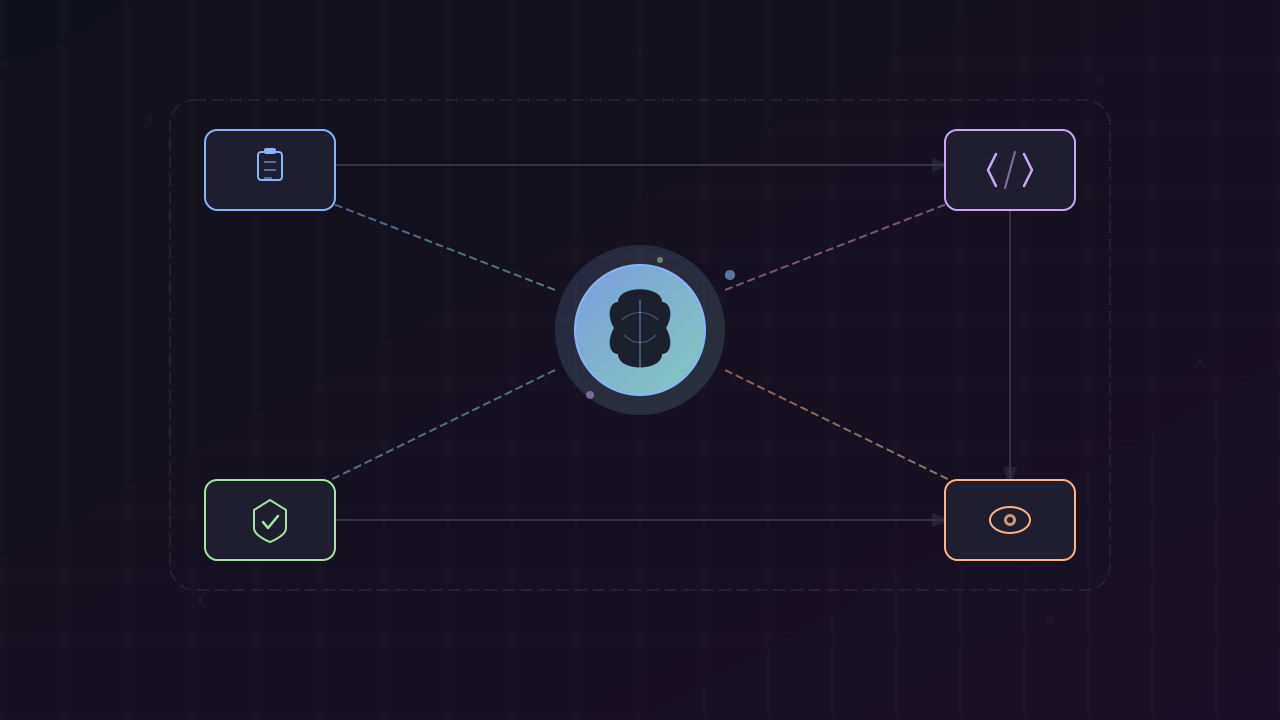
Archon workflows are composed of nodes, where each node is either:
- A prompt node — Sends instructions to a coding agent session (Claude Code, Codex, etc.)
- A command node — Executes deterministic commands (tests, linting, context creation, web research)
The reason for two node types is important: sometimes you want to enforce certain things to happen — like context creation or validation — that you don’t want to leave up to the coding agent because it might forget.
Workflow YAML Structure
Every workflow is defined in a single YAML file with four key sections:
description: "Fix a GitHub issue with investigation, implementation, and validation"provider: claudedefaultModel: sonnetnodes: - type: prompt name: extract-issue model: haiku prompt: "Extract the issue number from: {{input}}"
- type: command name: web-research command: archon-web-research
- type: prompt name: investigate prompt: "Investigate the root cause of this bug"
- type: prompt name: implement prompt: "Implement the fix based on the investigation"
- type: command name: run-tests command: "npm test"
- type: human-approval name: reviewThe description field is critical — it’s what the coding agent reads to decide which workflow to invoke, similar to how Claude Code skills work. You don’t load the entire workflow into context upfront; the agent reads the description first, then loads the full YAML only if it’s the right fit.
Per-Node Model Selection
One of Archon’s most powerful features is specifying the model for individual nodes. Classification steps don’t need heavy reasoning — use Haiku to save tokens. Implementation and investigation steps use the default Sonnet. This token efficiency makes complex workflows economically viable.
Fresh Context Windows
Archon encourages running planning and implementation in separate coding agent sessions to remove bias. Each node can start a brand new session or continue the previous conversation, giving you fine-grained control over context management.
Pre-Packaged Workflows
Archon ships with a ton of ready-to-use workflows:
- Fix GitHub Issue — Full investigation, implementation, validation, and PR creation
- Ralph Loop — Iterative code improvement cycle
- Idea to PR — Turn an idea into a complete pull request
- Interactive PRD — Human-in-the-loop product requirements document creation
- PR Review — Comprehensive pull request review
- Create Issues — Investigate a problem and create a GitHub issue
- Adversarial Dev Harness — Adversarial development workflow
- Workflow Builder — Meta-workflow that helps you build new Archon workflows
The Hybrid Secret
The key insight from Stripe Minion is the hybrid approach: certain workflow steps should be deterministic (not left to the AI), while others are AI-driven. Deterministic steps include context creation, test execution, validation, and PR creation. AI-driven steps include planning, implementation, and code review. This hybrid model is what makes harnesses so powerful.
Multiple Interfaces
Archon can be interacted with through several interfaces:
CLI
The primary way to use Archon. Install the global CLI, then invoke workflows from any registered project. When you run an Archon workflow in a repo for the first time, it automatically registers that project.
Coding Agent Integration
Install the Archon skill into your target repository. Then you can simply tell Claude Code: “Use Archon to fix GitHub issue number 5” — it loads the skill, finds the right workflow, and invokes it as a background process.
Web UI
A dashboard (port 5178) that shows active workflows, real-time logs, node execution details, and visual DAG representations. You can also add projects and invoke workflows directly from the UI.
GitHub, Slack, Telegram
Additional platforms for triggering and monitoring workflows.
Parallel Execution
Archon supports running multiple workflows in parallel. In the demo, Cole invoked six GitHub issue fixes simultaneously — each running as an independent background process, all visible in the web UI dashboard.
Setup Guide
Getting Archon running takes under 5 minutes:
- Clone the repository —
git clone https://github.com/coleam00/Archon - Open your coding agent in the Archon repo and say “set up Archon” — the built-in skill guides you through everything
- Register your target project — specify a local path or GitHub URL
- Choose platforms — CLI (default), GitHub, Slack, Telegram
- Run the credential wizard — in a separate terminal (so API keys don’t go to the coding agent)
- Pick your database — SQLite (easiest) or Postgres
- Choose your coding assistant — Claude (full support), Codex (nearly complete), with Pi Agent SDK and Open Code planned
- Install the Archon skill into your target repo
- Verify — Archon tests all connections and runs a sample workflow
Authentication with Claude uses your Anthropic subscription directly, as long as it’s a local application using the Claude Agent SDK — which Archon is.
Building Custom Workflows
Archon includes a workflow builder workflow — a meta-tool that helps you create new workflows. Simply tell your coding agent: “Use the workflow builder workflow to help me make an Archon workflow.” It asks questions about what you want to build, researches the problem space, and generates the YAML structure for you.
In the demo, Cole built a workflow inspired by the Beads memory system — exploration, feature decomposition, implementation loop with progress tracking, and validation — all generated by Archon itself.
Conclusion
Harness engineering represents where the “magic” of AI meets the “rigor” of traditional software engineering. By building robust harnesses like Archon, developers can create agents that are not only powerful but also predictable and production-ready.
The key takeaway: a well-designed harness can make a good model perform like a great one. With PR acceptance rates jumping from 6.7% to nearly 70%, the harness is where the real value lies in agentic coding.
Resources
This article was written by Qwen Code (Qwen Max | Alibaba), based on content from: https://www.youtube.com/watch?v=qMnClynCAmM