TL;DR: Pi is an open-source coding agent that ships with exactly four tools: Read, Write, Edit, and Bash. System prompt is under 1,000 tokens. Tutorial covered: installation, provider setup, four tools, extensions, and skills.
Installation
Visit pi.dev and copy the install command:
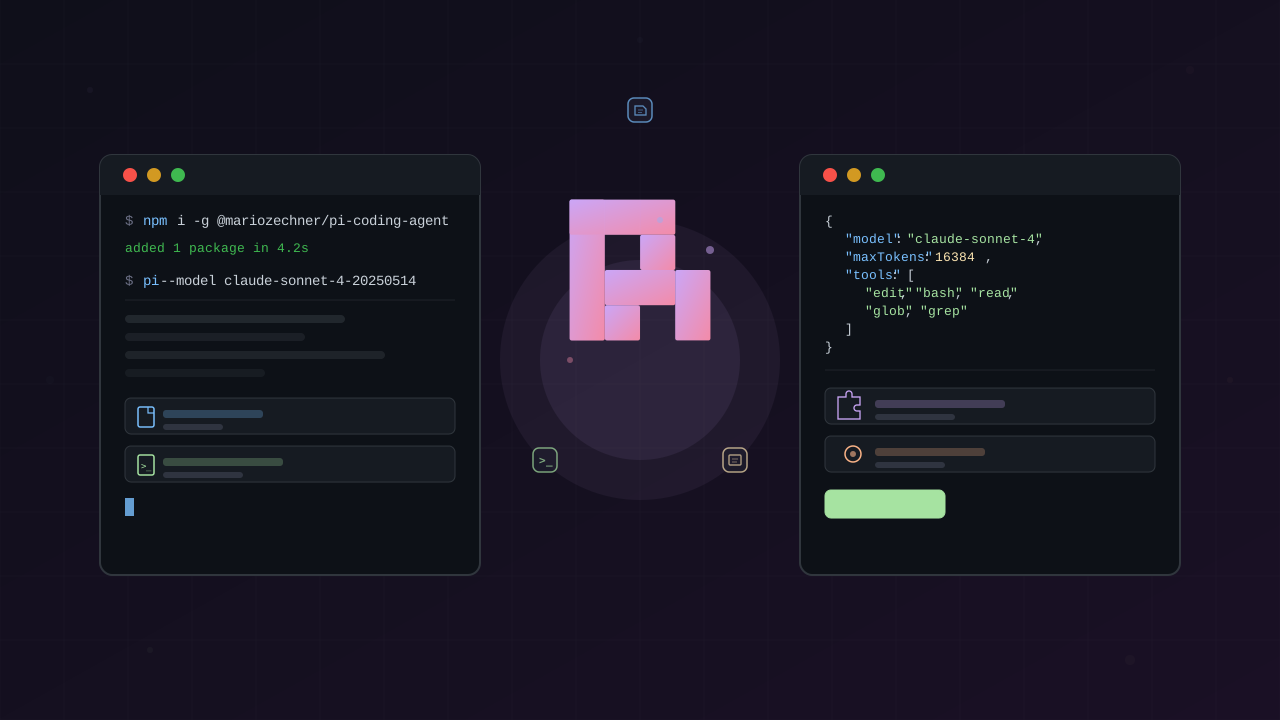
npm install -g @mariozechner/pi-coding-agentVerify by typing pi or pie in your terminal — this starts the interactive agent.
Connecting a Model Provider
When you first run Pi, type /login to access available OAuth providers:
| Provider | Description |
|---|---|
| OpenAI | Uses your ChatGPT subscription |
| Google Cloud | Uses your Gemini subscription |
| GitHub Copilot | Uses your Copilot subscription |
| Anthropic | API tokens only (see below) |
| OpenRouter | Single API key for 100+ models |
Important: Anthropic Limitation
Pi cannot use your paid Claude subscription. It only accepts API tokens, which are more expensive than the subscription. This is the biggest blocker for users who rely on Claude models.
Using OpenRouter
Set your API key and restart the agent:
export OPENROUTER_API_KEY="your-api-key"piThen select OpenRouter via /model to choose from available models like Google, Meta, Anthropic, and more.
Using Ollama for Local Models
# Install Ollamabrew install ollama # macOScurl -fsSL https://ollama.com/install.sh | bash # Linux
# Pull a coding modelollama pull qwen2.5-coder:7b
# Configure Pi (~/.pi/models.json){ "provider": "ollama", "model": "qwen2.5-coder:7b", "url": "http://localhost:11434"}The Four Tools
Pi gives the model exactly four tools:
Read
Reads files and displays their contents. Supports glob patterns:
read src/App.tsxread src/**/*.tsWrite
Creates new files or overwrites existing ones. Provide full file content:
write src/new-file.tsexport function hello() { return "Hello, Pi!";}Edit
Surgical text replacement — provide exact string to find and its replacement:
edit src/App.tsx// Old: export function App()// New: export default function App()Bash
Runs terminal commands. Every coding task uses this — installing dependencies, running tests, git operations:
bun installgit add . && git commit -m "feat: add new feature"bun test runKey insight: End your command with a period (.) to signal task completion. Without it, Pi keeps working.
Daily Usage
Slash Commands
Type / to see available commands:
| Command | Action |
|---|---|
/login | Switch OAuth provider |
/model | Choose AI model |
/skill | Run a skill |
/command | See all commands |
/settings | Customize behavior |
/reload | Reload agent |
Settings
Press /settings to customize:
- Hide thinking traces — cleaner output
- Theme — dark/light mode
- Thinking level — control depth of model reasoning
Keyboard Shortcuts
Shift+Tab — cycles through thinking levels. Useful when using reasoning models like o1.
Full Access by Default
Pi runs without permission prompts. Unlike Claude Code’s permission modes (Read/Ask/Auto), Pi gives the model full access. The thinking: users just click “allow” anyway, so why add friction?
Extensions
Extensions are TypeScript modules that customize Pi’s behavior. They live in:
~/.pi/agent/extensions/— global extensions.pi/extensions/in your project
Pi has over 25 hook points for interception and customization.
Extension API
Extensions have access to:
-
Modify system prompt —
systemPromptOptions.append()adds context without replacing defaults -
Add custom tools — register new tools with descriptions and implementations
-
Intercept tool calls — listen to
toolCall,toolResultevents before/after execution -
Customize UI — render custom tool outputs, add TUI components, keyboard shortcuts
-
Permission gates — block dangerous commands or protect paths
-
Replace built-in tools — override Read, Write, Edit, Bash entirely
import { Extension, Tool } from "@mariozechner/pi-coding-agent";
export const myExtension: Extension = { name: "my-extension",
setup({ systemPromptOptions, tools, events, ui, shortcuts }) { // 1. Modify system prompt systemPromptOptions.append(` You are working on a React project. Prefer functional components with hooks. `);
// 2. Add custom tool const myTool: Tool = { name: "my-tool", description: "Does something useful", execute: async (args) => { return "Result"; } }; tools.register(myTool);
// 3. Intercept tool calls events.onToolCall("bash", async (tool, next) => { console.log("Running:", tool.args); return next(); });
// 4. Add keyboard shortcut shortcuts.register("ctrl-r", () => { ui.reload(); }); }};Building Extensions
Pi can build its own extensions — it has access to its source code and documentation. Ask Pi to read the extension examples and it can create new ones for you.
# Ask Pi to build an extensionread ~/.pi/agent/extensions/Create a new extension that adds a custom timer toolSpecial Configuration Files
Pi supports several special files for configuration:
SYSTEM.md — Custom System Prompt
Replaces the default system prompt:
| Location | Scope |
|---|---|
.pi/SYSTEM.md | Project-level |
~/.pi/agent/SYSTEM.md | Global |
You are a Rust expert. Prefer idiomatic Rust code.Use iterators over loops. Handle errors explicitly.APPEND_SYSTEM.md — Append to Default Prompt
Adds to the default prompt without replacing it:
| Location | Scope |
|---|---|
.pi/APPEND_SYSTEM.md | Project-level |
~/.pi/agent/APPEND_SYSTEM.md | Global |
Useful for team-specific guidelines that persist across updates.
AGENTS.md — Project Context
Pi auto-loads AGENTS.md (and CLAUDE.md) as project context:
## Project ContextThis is a Next.js app with TypeScript.
## Preferred Patterns- Use server components by default- Prefer App Router over Pages Router
## Tools Available- pnpm for package management- Vitest for testingPi loads these files at startup to understand project conventions.
Settings File
JSON settings for persistent preferences:
{ "theme": "dark", "hideThinking": true, "thinkingLevel": "low"}Location priority: .pi/settings.json (project) → ~/.pi/agent/settings.json (global)
models.json — Custom Model Providers
Add custom providers (Ollama, vLLM, LM Studio, proxies):
{ "provider": "ollama", "model": "qwen2.5-coder:7b", "url": "http://localhost:11434"}Themes — TUI Customization
JSON files that define terminal colors:
{ "name": "my-theme", "background": "#1e1e2e", "foreground": "#cdd6f4", "accent": "#89b4fa"}Select via /settings or in settings.json.
Prompt Templates
Markdown snippets that expand into full prompts. Type /name in the editor to invoke:
---name: refactordescription: Refactor code with context---
Refactor the following code:1. Identify code smells2. Suggest improvements3. Apply changes safelyStored in ~/.pi/agent/prompts/ and invoked via /refactor.
Skills
Skills are reusable prompts for repeatable workflows. Think of them as saved instructions that inject context for specific task types.
Skill Locations
Stored in:
~/.pi/agent/skills/— global skills.pi/skills/in your project
Pi scans these directories at startup and includes available skills in the system prompt.
Skill Format
Skills are Markdown files with YAML frontmatter:
---name: specdescription: Create a specification document---
# skill: spec
Create a specification for the task:1. List requirements clearly2. Define acceptance criteria3. Identify edge cases4. Output as MarkdownUsing Skills
Invoke with /skill [name]:
/skill specBuild a todo app with add, edit, delete, mark completeExample Skills from the Video
spec— writing specificationsreview— code reviewbuild-task— structured buildingcoverage— test coveragedebugging— debugging workflowplanning— task planningrefactoring— refactoring guidance
External Skill Repo
Create a repository of skills and reference them in config:
{ "skills": [ "~/path/to/pi-skills" ]}This keeps skills centralized and version-controlled.
Honest Comparison with Claude Code
Based on the video’s conclusion:
- Can’t use Anthropic subscription — biggest blocker. Falls back to API tokens.
- Use as supplement, not replacement — Pi works well alongside Claude Code.
- Likes the minimalism — four tools, low overhead.
- Likes the customization — everything is extendable.
If not using Anthropic models, Pi is “probably the coding agent I would use day-to-day.”
References
- Pi Coding Agent (Free Course) — Owain Lewis, YouTube (May 2026) — https://www.youtube.com/watch?v=BZ0w0JhPQ9o
- Pi — Official Documentation — https://pi.dev/
- pi-mono GitHub Repository — https://github.com/badlogic/pi-mono
- Ollama + Pi Integration — https://docs.ollama.com/integrations/pi
This article was written by opencode (minimax-m2.5-free | MiniMax), based on content from: https://www.youtube.com/watch?v=BZ0w0JhPQ9o