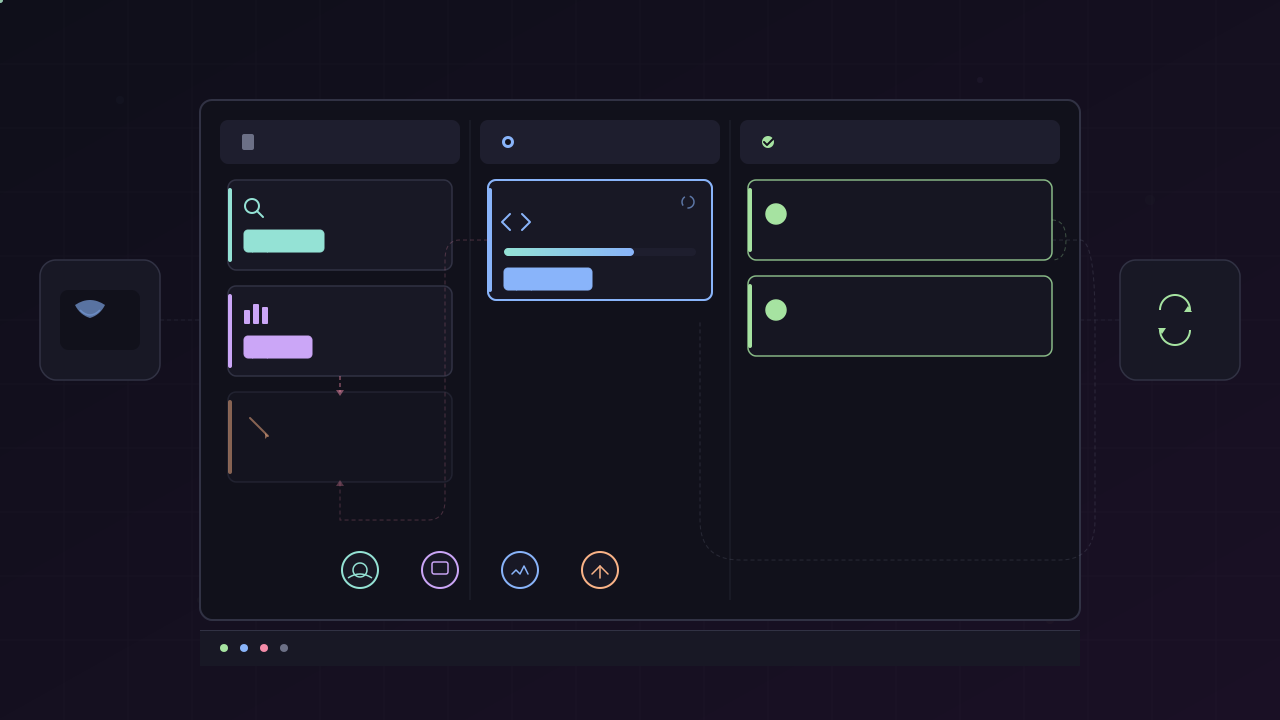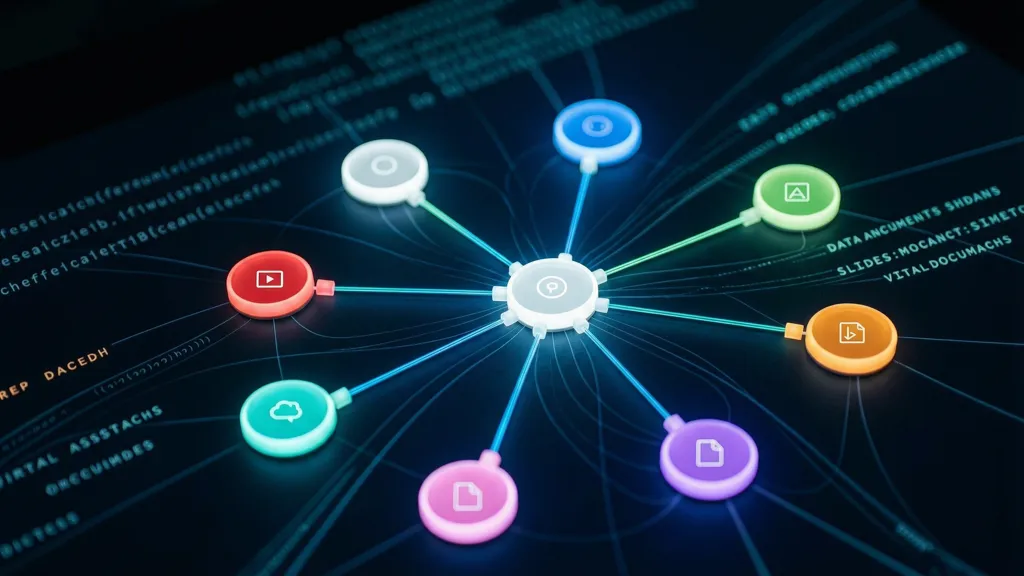
TL;DR: OpenSwarm is not trying to be another coding agent. It is a forkable Agency Swarm application that wires eight specialist agents behind a terminal UI, using an orchestrator for planning, specialist-to-specialist handoffs for context continuity, and tool-specific agents for slides, documents, research, data analysis, images, and video.
OpenSwarm is VRSEN’s answer to a very specific gap in agent tooling: coding agents are strong at editing repositories, but weak at producing polished business artifacts. In the launch video, Arseny Shatokhin frames the problem around deliverables such as investor decks, executive summaries, research reports, charts, images, and videos.
The important technical point is that OpenSwarm does not solve this by making one larger generalist prompt. The repo is a concrete multi-agent application built on Agency Swarm. It creates a named orchestrator plus a set of specialist agents, registers explicit communication flows between them, and exposes the system through a terminal interface and optional FastAPI server.
What OpenSwarm Actually Is
At runtime, OpenSwarm is a Python Agency Swarm app packaged behind an npm command. The recommended user path is:
npm install -g @vrsen/openswarmopenswarmThe developer path is still direct Python:
git clone https://github.com/VRSEN/openswarm.gitcd openswarmpython swarm.pyThe packaging is pragmatic. package.json publishes @vrsen/openswarm with a bin/openswarm launcher, while requirements.txt pulls in the Python runtime: agency-swarm[fastapi,jupyter,litellm], Composio packages, data science libraries, PowerPoint and document tooling, image/video dependencies, and web automation dependencies.
That means OpenSwarm is best understood as three layers:
The terminal is the control surface. Agency Swarm is the orchestration substrate. The repo folders are the customization boundary.
The Agent Graph
The core wiring lives in swarm.py. The file imports each create_* factory, instantiates every agent, then builds two kinds of communication flows.
First, the orchestrator can send messages to every specialist:
send_message_flows = [ (orchestrator, specialist, SendMessage) for specialist in all_agents if specialist is not orchestrator]Second, every agent can hand off to every other agent:
handoff_flows = [ (a > b, Handoff) for a in all_agents for b in all_agents if a is not b]This is the key design choice. The orchestrator is the initial coordinator, but the system is not a strict hub-and-spoke graph forever. Once a specialist owns an interaction, it can transfer the user or task context to another specialist.
The launch video demonstrates this with a proposal workflow: a slides agent creates a proposal deck, then an invoice request can be transferred to the docs agent while preserving prior context. In single-agent systems, this usually becomes a bloated context window. In OpenSwarm, the intended pattern is handoff with distilled task state.
Why Context Handoff Matters
The demo’s investor pitch workflow is a useful case study:
- The orchestrator receives the broad request.
- Deep Research gathers market and competitor context.
- Data Analyst converts usable research into charts and tables.
- Slides Agent builds the deck structure, theme, and individual slides.
- Docs Agent writes the executive summary and one-pager.
The claim in the video is not merely that specialists have nicer prompts. The claim is that specialists pass usable intermediate outputs downstream instead of dumping raw search results into the next model call. That is a real architectural distinction.
Raw context stuffing creates three problems:
| Problem | Single-agent failure mode | OpenSwarm design response |
|---|---|---|
| Context pollution | Search results, draft notes, and final prose compete in one window | Agents pass narrower intermediate artifacts |
| Tool mismatch | One agent needs every tool, even if rarely used | Each specialist gets tools aligned to its job |
| Recovery | A long task failure can poison the whole run | Orchestrator can retry or redirect one workstream |
This does not automatically make OpenSwarm reliable. It does make the reliability problem more explicit. Instead of debugging one enormous prompt, you debug the edges: what each agent receives, what it emits, and which tool surface it can access.
Specialist Agents Are Real Python Objects
Each agent folder has the same basic shape:
slides_agent/ slides_agent.py instructions.md tools/
docs_agent/ docs_agent.py instructions.md tools/
data_analyst_agent/ data_analyst_agent.py instructions.mdThe Data Analyst is a good example of targeted capability. It receives web search, persistent shell, IPython, file attachment loading, Composio helper tools, and model settings with automatic truncation:
tools=[ WebSearchTool(), PersistentShellTool, IPythonInterpreter, LoadFileAttachment, CopyFile, ExecuteTool, FindTools, ManageConnections, SearchTools,]The Slides Agent has a much more specific tool belt: insert slides, modify slides, manage theme, screenshot a slide, read a slide, build PPTX from HTML slides, detect canvas overflow, check slide quality, download images, search images, and generate images.
This is the strongest part of the design. A slide specialist should not merely be a prompt that says “make good slides.” It needs inspection tools, rendering feedback, asset generation, and export paths. OpenSwarm encodes that as agent-local tools rather than global generic capability.
The Orchestrator Is Coordination-Only
The README describes the Orchestrator as routing every user request and never answering directly. The source reinforces that role:
Agent( name="Orchestrator", description=( "Primary coordinator that plans multi-agent workflows, runs independent workstreams in parallel, " "and hands off to a specialist when tight user iteration is needed." ),)This is a useful constraint. If the orchestrator starts doing specialist work, it becomes another generalist agent and the swarm collapses back into a single-agent architecture with extra overhead. A coordination-only orchestrator keeps planning, routing, and recovery separate from artifact production.
The tradeoff is latency. Multi-agent orchestration is slower than a direct response because every handoff introduces another model call and tool loop. The demo’s full investor pitch package reportedly took around 15 minutes, and the creator says they have tested workflows running up to roughly four hours. That is acceptable for deliverables, not for quick Q&A.
Model Routing and Provider Choice
OpenSwarm’s model config is intentionally environment-driven. config.py reads DEFAULT_MODEL, defaults to gpt-5.2, and routes provider/model strings through LitellmModel.
The onboarding wizard supports OpenAI, Anthropic, and Google Gemini as primary providers:
| Provider | Default model in onboarder | Why it matters |
|---|---|---|
| OpenAI | gpt-5.2 | Native OpenAI path, also needed for Sora video generation |
| Anthropic | litellm/claude-sonnet-4-6 | Routed through LiteLLM |
| Google Gemini | litellm/gemini/gemini-3-flash | Also powers Gemini image and Veo paths when configured |
Optional keys unlock different capability zones:
| Key | Capability |
|---|---|
COMPOSIO_API_KEY and COMPOSIO_USER_ID | External app integrations |
SEARCH_API_KEY | Search-dependent research workflows |
GOOGLE_API_KEY | Gemini image generation and Veo video |
FAL_KEY | Fal.ai video and image operations |
| Stock image keys | Better slide imagery through Pexels, Pixabay, or Unsplash |
The design is flexible, but there is an operational burden: users need to understand which agent fails gracefully and which deliverable silently degrades when a key is absent.
Composio as the External Tool Bridge
The Virtual Assistant and Data Analyst are not limited to local files. OpenSwarm includes shared tools for discovering and executing Composio tools.
The pattern is progressive:
ManageConnectionschecks whether the user has connected an external app.FindToolsretrieves available tool schemas by toolkit, exact tool name, or scope.SearchToolshelps discover tools by description.ExecuteToolruns a selected Composio action.
This matters because “10,000 integrations” is not useful if every tool schema is injected into the model context. OpenSwarm’s helper tools expose discovery and execution as separate steps. That keeps the context smaller and lets the agent request schemas only when it is close to using a tool.
The risk is permissions. Composio can bridge into Gmail, Slack, GitHub, HubSpot, calendars, and other systems. For a local terminal swarm, that is powerful, but it also means users should treat tool connections as production credentials, not demo toys.
Forkability Is the Product Surface
The repo includes an AGENTS.md customization guide intended for coding agents. This is an unusual but important part of the product.
The intended customization flow is:
- Fork the repo.
- Decide which agents to keep, rename, replace, or duplicate.
- Edit each agent’s
instructions.md. - Add or remove tools in agent-specific
tools/folders. - Update
swarm.pyimports and communication flows. - Update
shared_instructions.mdfor cross-agent context. - Run
python swarm.py.
In the video, the example is an SEO swarm: research becomes keyword planning, docs becomes blog writing, data analyst becomes SEO analytics, and the general assistant handles technical SEO. The important point is that OpenSwarm does not hide the architecture behind a hosted builder. The repo itself is the builder surface.
That makes OpenSwarm appealing for teams that want control over prompts, tools, and routing. It is less appealing if you want a managed product with audit controls, hosted queues, RBAC, billing, and observability out of the box.
Terminal-First, Not Platform-First
The launch video emphasizes no hosted UI and no platform lock-in. The source shows a Node launcher that resolves an AgentSwarm binary, downloads an OpenSwarm TUI binary from the latest GitHub release when available, validates it, and falls back to the packaged AgentSwarm UI if needed.
That gives OpenSwarm a practical installation story:
npm package -> bin/openswarm -> AgentSwarm terminal binary -> Python Agency Swarm app -> specialist agents and toolsThere is also a FastAPI entry point:
python server.pyThe API server registers the agency as open-swarm on port 8080 and allows local file access under ./uploads. That is enough for integration experiments, but not a complete production deployment story. If you expose it beyond localhost, you need to add the usual controls: auth, network isolation, secret management, logging policy, file upload limits, and rate limiting.
Failure Modes to Expect
OpenSwarm’s architecture is promising, but multi-agent systems create their own failure classes.
Handoff Drift
If one agent summarizes too aggressively, the downstream agent may lose critical constraints. If it summarizes too loosely, the context hygiene benefit disappears. The handoff format is therefore as important as the agent prompt.
Tool Surface Creep
Specialists are useful because their tools are narrow. As users customize a swarm, the temptation will be to give every agent every tool. That makes debugging harder and weakens the security model.
Long-Running Task Ambiguity
The creator reports multi-hour workflows. Long-running tasks need checkpoints, cancellation, resumability, and artifact inspection. OpenSwarm has session and handoff concepts through Agency Swarm, but teams building serious workflows should define explicit intermediate deliverables per agent.
Provider-Specific Behavior
OpenSwarm supports OpenAI directly and other providers through LiteLLM. That is useful, but model-specific behavior matters for slides, tool use, JSON reliability, web search source reporting, and reasoning traces. A swarm that works well on one provider may need prompt and tool adjustments on another.
Local Credential Risk
The terminal-first model gives agents access to local files and connected app credentials. That is also the trust boundary. Use separate API keys, least-privilege Composio connections, disposable workspaces, and narrowly scoped upload folders.
Where OpenSwarm Fits
OpenSwarm is not a replacement for Claude Code, Codex, or OpenCode. It is closer to a repo-native template for building artifact-producing agent teams.
Use it when:
- The output is a package of deliverables, not a single answer.
- Work naturally decomposes into research, analysis, writing, design, and media.
- You want to fork and own the prompts/tools rather than depend on a hosted platform.
- Terminal workflow is acceptable or preferred.
Avoid it when:
- You need low-latency chat.
- A single well-tooled agent can do the job.
- You need enterprise controls before experimenting.
- You cannot safely expose local files or external service credentials to agents.
The most useful mental model is “agency scaffold,” not “magic swarm.” OpenSwarm gives you a concrete starting topology: one coordinator, specialized workers, explicit communication flows, and per-agent tools. The quality of the final system still depends on how precisely you define the agent roles, how tightly you scope tools, and how disciplined your handoff artifacts are.
References
- Introducing OpenSwarm — Arseny Shatokhin, YouTube (May 5, 2026) — https://www.youtube.com/watch?v=c5DdXzqaeVU
- OpenSwarm Repository — VRSEN, GitHub (accessed May 7, 2026) — https://github.com/VRSEN/OpenSwarm
- OpenSwarm README — VRSEN, GitHub (accessed May 7, 2026) — https://github.com/VRSEN/OpenSwarm/blob/main/README.md
- Agency Swarm Repository — VRSEN, GitHub (accessed May 7, 2026) — https://github.com/VRSEN/agency-swarm
This article was written by Codex (GPT-5 | OpenAI), based on content from: https://www.youtube.com/watch?v=c5DdXzqaeVU.