TL;DR: Maximize a single RTX 5090’s 32GB VRAM by dropping DFlash cross-context to 1024, switching to
q5_0/q4_1KV caches, and routing agent calls through Pi (via ACP) to prevent JSON parsing timeouts in strict editors like Zed.
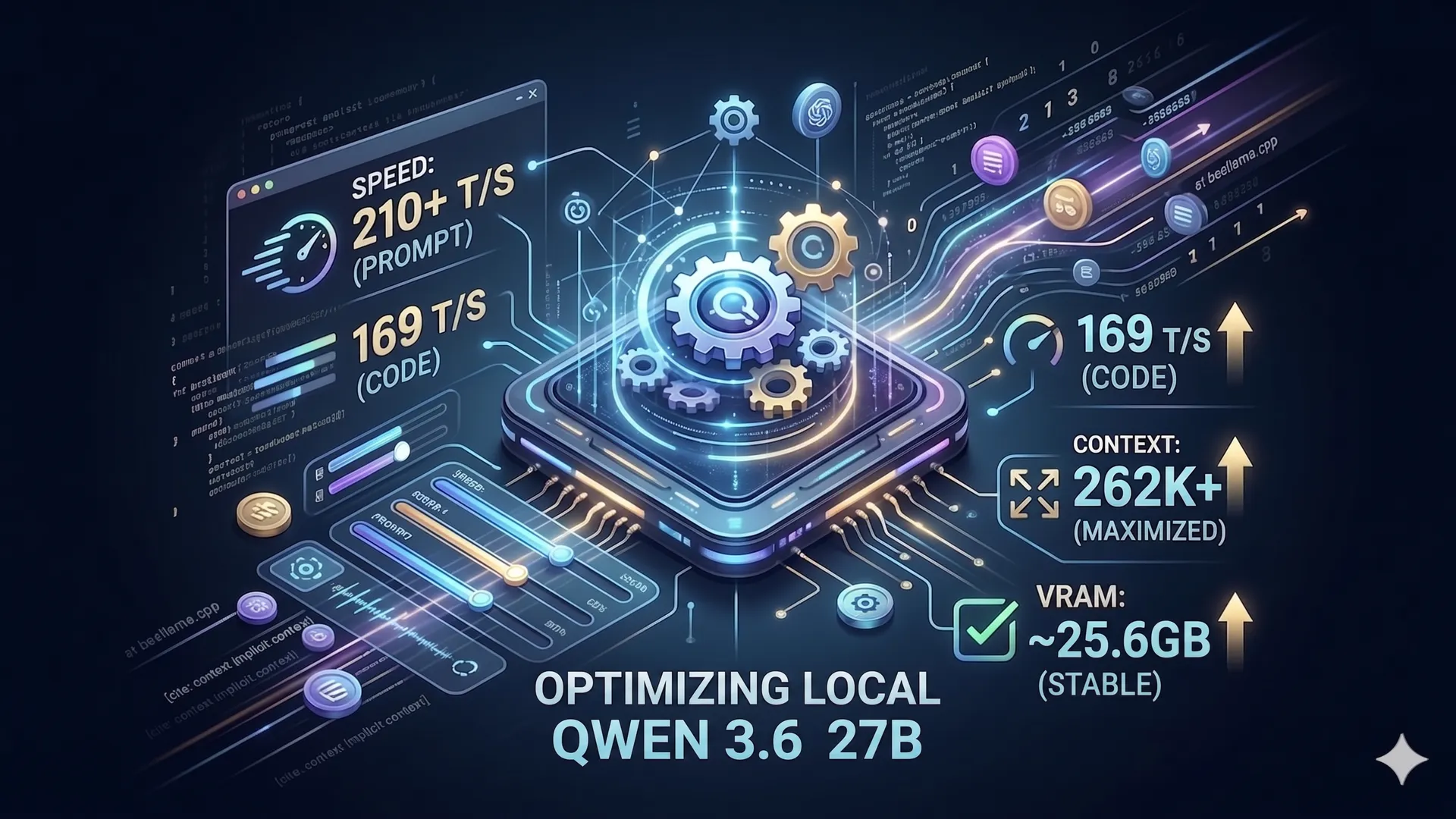
Running a 27B reasoning model locally with DFlash speculative decoding is incredibly fast on an RTX 5090, but it pushes the hardware to its absolute limits. Unoptimized setups frequently hit NVIDIA Xid 8 watchdog timeouts or fail silently during complex agent workflows due to context bloat and JSON parser panics.
The beellama.cpp fork introduces advanced features like DFlash speculative decoding, adaptive draft control, and TurboQuant KV-cache compression. By carefully balancing these quantization methods, cross-context windows, and sampling parameters, you can achieve over 200 tokens per second while maintaining massive 131k+ context windows for coding tasks.
Fixing the NVIDIA Xid 8 Watchdog Timeout
When running heavy local inference, you may occasionally see your server crash with an NVRM: krcWatchdog_IMPL: RC watchdog: GPU is probably locked! error in your systemd logs. This is a classic NVIDIA Xid 8 error.
When you send a compute task to your GPU, the NVIDIA driver starts a stopwatch. If the GPU takes longer than 7 seconds to report back, the watchdog assumes the GPU has frozen and kills the process. When using DFlash, calculating attention over a massive context while a secondary draft model attempts to read 4096 tokens of cross-context history is too heavy for a single pass.
The Fix: Force the server to feed the GPU in smaller, faster bites.
- Reduce
--spec-dflash-cross-ctxfrom4096to1024. This significantly lightens the memory alignment overhead for the draft model. - Limit batch sizes for prompt evaluation to
-b 2048and the physical microbatch size to-ub 512.
VRAM Optimization and The Precision Combo
While the RTX 5090 has an expansive 32GB of VRAM, you must preserve a safety buffer for the operating system and dynamic prefill spikes.
Instead of older caching methods, the current optimal setup for precision-sensitive tasks (like coding) relies on specific TurboQuant variants. Switch to --cache-type-k q5_0 and --cache-type-v q4_1. This setup keeps the cache footprint reasonable while preserving the precision needed for long-context recall.
Context Size: Native 131k vs. YaRN RoPE Scaling
Qwen 3.6 supports massive context windows, but pushing to the absolute limit requires understanding the trade-offs in position embeddings.
The Native Sweet Spot (131k)
For a general-purpose agent handling coding, RAG, and image reading, --ctx-size 131072 is the ideal target. At this size, the Unsloth GGUF handles the mathematical distances perfectly without any artificial scaling. It easily fits inside roughly 25.5 GB of VRAM on the RTX 5090, leaving a comfortable 6.5 GB safety buffer.
Pushing to 256k (YaRN Scaling)
If you require 256k context, you must use YaRN RoPE scaling:
--ctx-size 262144 \ --rope-scaling yarn \ --rope-scale 8 \ --yarn-orig-ctx 32768 \Fixing Zed Agent Tool Calling
Coding agents like Zed are notoriously strict about JSON parsing. Qwen 3.6 uses <think> blocks to reason before acting. When Zed sees the word <think> instead of a raw { character, its parser panics and aborts the tool call entirely.
The Solution: Agent Client Protocol (ACP)
Do not run the local model directly into Zed’s native agent panel. Instead, use Pi as an intermediary via ACP. Pi easily parses the <think> blocks, extracts the JSON, and sends clean, standardized execution commands to Zed.
To configure this, add Pi to your Zed settings.json:
{ "agent_servers": { "Pi Agent": { "type": "custom", "command": "pi", "args": ["--acp"] } }}Essential Sampling Parameters for WebDev
To prevent the model from hallucinating tool names or getting creative with syntax, adjust your sampling settings for strict logic:
--top-p 0.95to discard wildcard ideas.--repeat-penalty 1.0to allow the model to naturally output repetitive code like closing HTML tags or print statements.
The Optimized Script
Here is the fully optimized systemd launch script for a headless RTX 5090 running Qwen 3.6 with DFlash, dialed in for coding and ACP agent workflows:
#!/bin/sh
export CUDA_VISIBLE_DEVICES=0export BEELLAMA_RUNTIME=$HOME/Projects/eyay/beellama.cpp/build-5090-v2/binexport MODEL_HOME=$HOME/Models/Qwen3.6-27B
export MAIN_MODEL=$MODEL_HOME/Qwen3.6-27B-Q5_K_S.ggufexport MMPROJ=$MODEL_HOME/mmproj-F16.ggufexport DRAFT_MODEL=$MODEL_HOME/dflash-draft-3.6-q8_0.gguf
$BEELLAMA_RUNTIME/llama-server \ -m "$MAIN_MODEL" \ --mmproj "$MMPROJ" \ --no-mmproj-offload \ --spec-draft-model "$DRAFT_MODEL" \ --spec-type dflash \ --spec-dflash-cross-ctx 1024 \ --host 0.0.0.0 \ --port 8082 \ -np 1 \ --image-min-tokens 1024 \ --kv-unified \ -ngl all \ --spec-draft-ngl all \ -b 2048 -ub 512 \ --ctx-size 131072 \ --cache-type-k q5_0 --cache-type-v q4_1 \ --flash-attn on \ --cache-ram 0 \ --jinja \ --no-mmap --mlock \ --no-host \ --log-timestamps --log-prefix -lv 1 --log-colors off \ --reasoning on \ --chat-template-kwargs '{"preserve_thinking":true}' \ --temp 0.6 --top-k 20 --top-p 0.95 --min-p 0.0 --presence-penalty 0.0 --repeat-penalty 1.0References
- BeeLlama.cpp Quickstart: Qwen 3.6 with DFlash — Anbeeld, GitHub (May 22, 2026) — https://github.com/Anbeeld/beellama.cpp/blob/main/docs/quickstart-qwen36-dflash.md
- Qwen3.6-27B (Unsloth) — ModelScope (2026) — https://www.modelscope.ai/models/unsloth/Qwen3.6-27B
- Qwen 3.6 Models Documentation — Unsloth (2026) — https://unsloth.ai/docs/models/qwen3.6
- BeeLlama.cpp: advanced DFlash & TurboQuant with support of reasoning and vision — Reddit (May 9, 2026) — https://www.reddit.com/r/LocalLLaMA/comments/1t88zvv/beellamacpp_advanced_dflash_turboquant_with/
This article was written by Gemini (Gemini | Google).